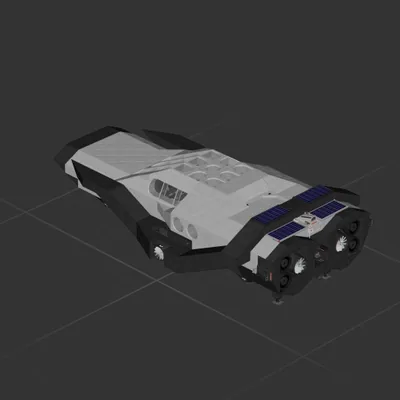
 597 ↓
597 ↓ RANGER INTERSTELLAR ADVANCED SYSTEMS
Cruiser
Unofficial blueprint library
Every ship parsed part by part. Filter by engines, size and equipment — then download it as a ready-to-drop file pair. No Workshop subscription, no login.
Hand-picked starting points.
Small, simple and cheap to rebuild after a crash.
40Fuel thrusters and tanks — built to leave the atmosphere.
38Large ships with both lift and main thrusters — they go up and they go far.
69Drop-in logic blocks that hold altitude for you.
47Four thousand parts and up. Expect a long load.
57Lift fans only, no main thrusters — built for flying inside an atmosphere.
40Ranked by Workshop subscriptions.
597 ↓ Cruiser
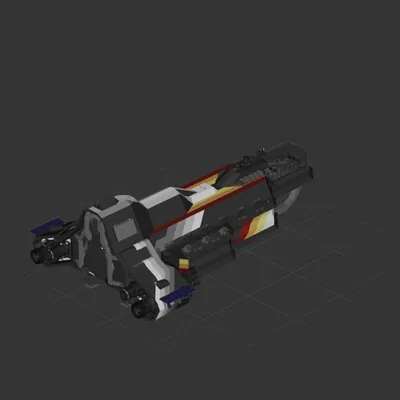 512 ↓
512 ↓ Interplanetary
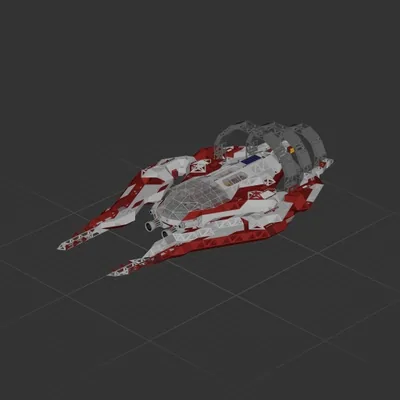 424 ↓
424 ↓ Cruiser
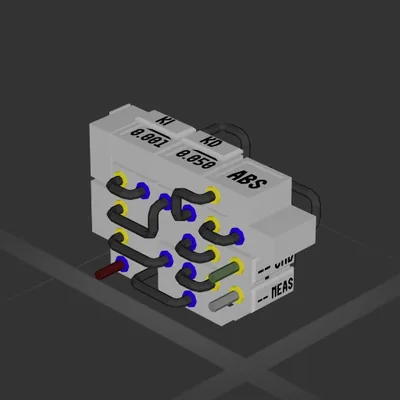 387 ↓
387 ↓ System
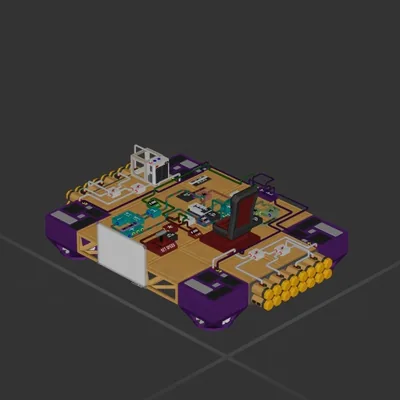 229 ↓
229 ↓ System
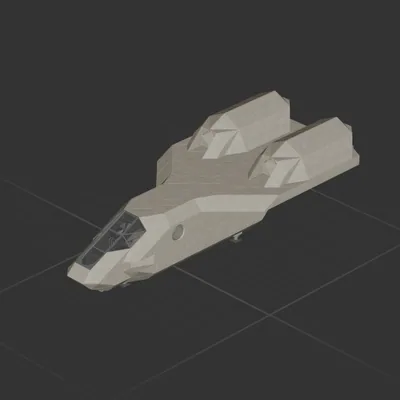 206 ↓
206 ↓ Atmospheric
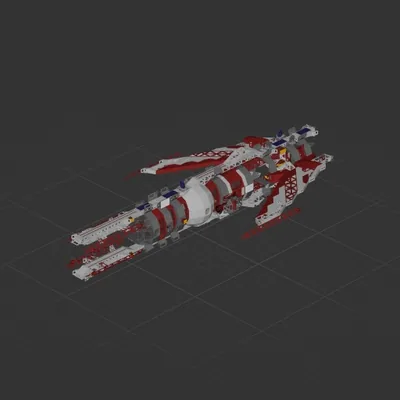 173 ↓
173 ↓ Cruiser
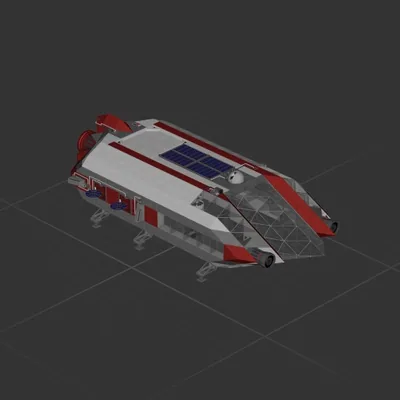 161 ↓
161 ↓ Cruiser
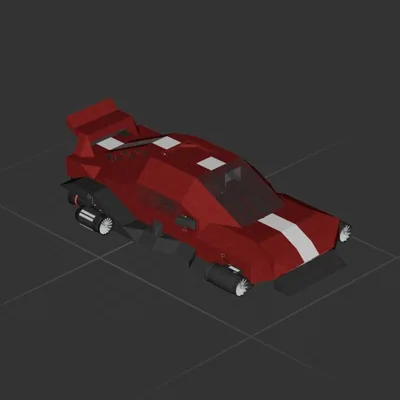 136 ↓
136 ↓ Cruiser
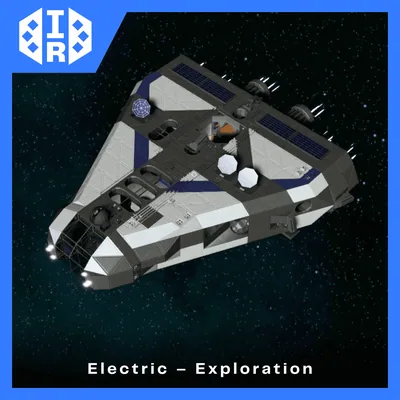 116 ↓
116 ↓ Cruiser
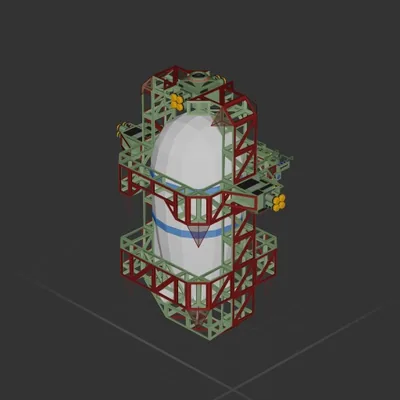 101 ↓
101 ↓ Atmospheric
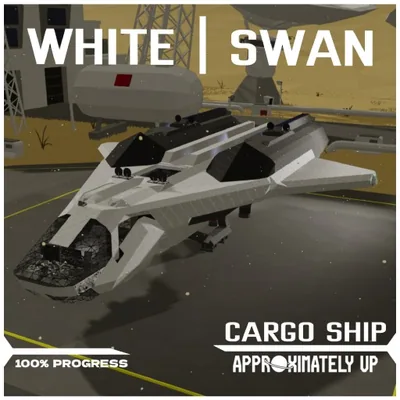
Interplanetary
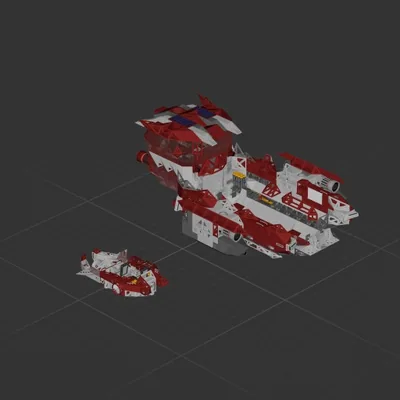
Cruiser
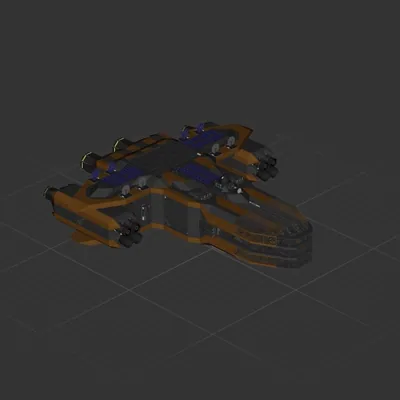
Interplanetary
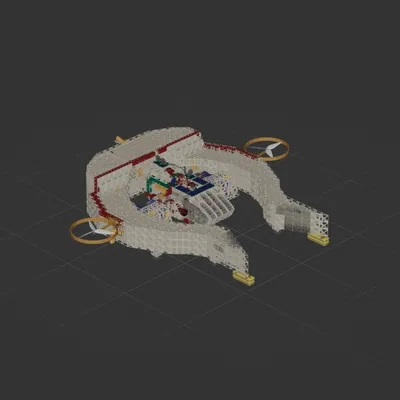
Interplanetary
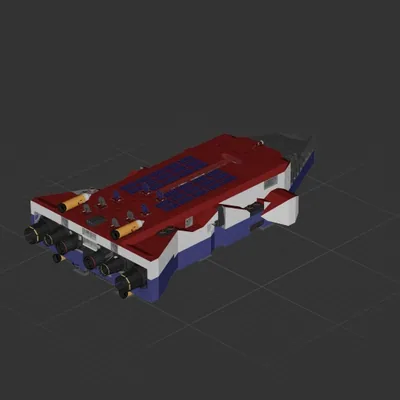
Interplanetary
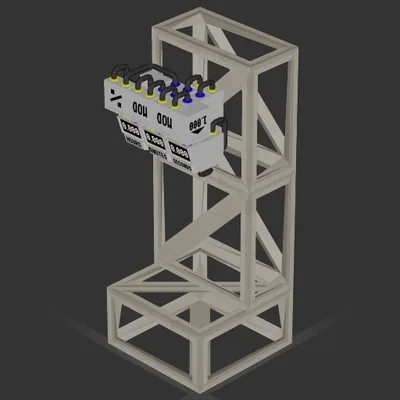
System
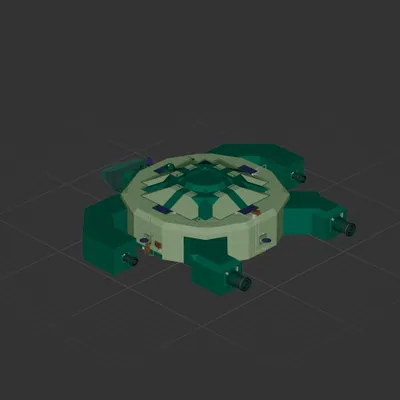
Cruiser
Every download contains two files with matching names — a .bp and a .bpmeta. You need both: the .bp is the ship, the .bpmeta holds its name. A .bp on its own will not appear in the game.
Paste %USERPROFILE%\AppData\LocalLow\ApproximatelyGames\ApproximatelyUp\Blueprints into Explorer's address bar and drop both files there. Keep their filenames exactly as they are — the game pairs them by name.
The game reads the folder on startup, so restart it. Open the blueprint menu, find the ship by its name and load it. Test it next to a garage before flying a mission.