 161 ↓
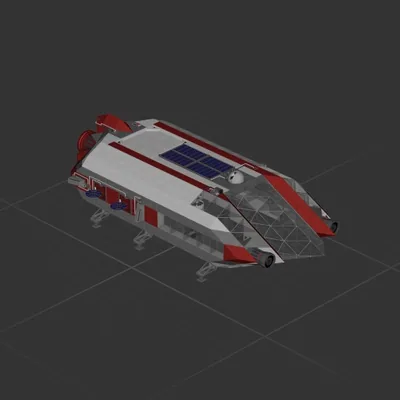
161 ↓ Trident
Cruiser
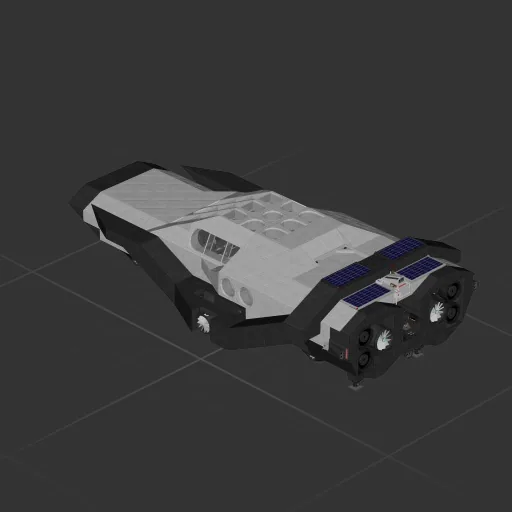
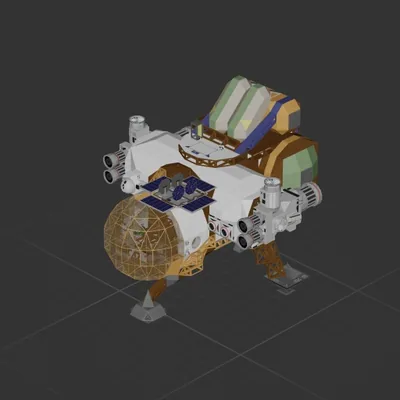
Controls whiteboard + end of description : THIS SHIP IS THE MOST ADVANCED SHIP UP TO MOON MISSION. Since this is a very advance ship it has many systems which are confusing to figure out on your own. so i asked my friend to figure out how to fly this ship Video link : https://www.youtube.com/watch?v=C793_64-QNI Controls: this ship has three modes: mode lever : (0-33) = Manual controls. Mode lever : (33-66)=Hover mode. Mode lever : (67-100)= Horizontal Auto land. In hover mode: You can see your current altitude on the display but if you want to see target altitude you have to change the wireless channel to 7. in this hover mode the up /down lever works as a count up and down for target altitude. So if you get your target altitudde just set the lever to zero. otherwise the number will keep counting. in hover mode the button LOCK ALT will set your current altutude as target. AUTO LANDING MODE: in auto landing mode your ship will land using its buttom thrusters so during that time you cant use up/down lever as the auto landing circuit is controlling it now. But be carefull the ENTRY BURN switch should be off you are landing using ur bottom thrusters. ENTRY BURN SWITCH= if you are traveling to anoher planet after mid point you flip your ship and the back is now facing the planet you are trying to go .In that moment turn on this switch , It will perfectly slow you down to safely enter the planets atmosphere and once you are in you can turn it off and land horizontally using the auto landing mode.
161 ↓ Cruiser
 136 ↓
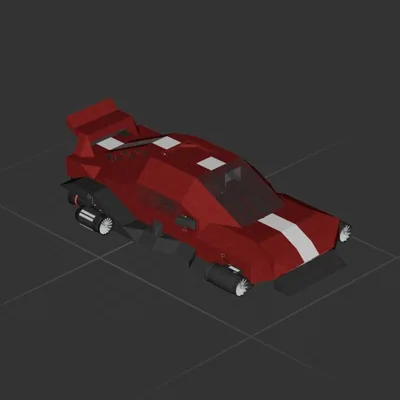
136 ↓ Cruiser
Cruiser
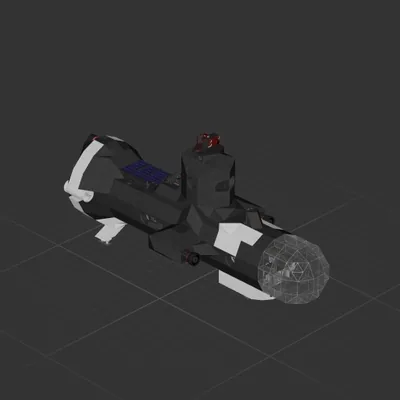
Cruiser