AU Ships

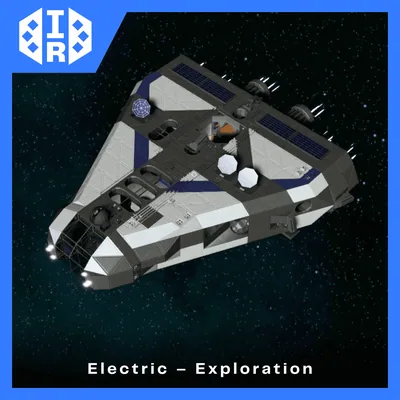
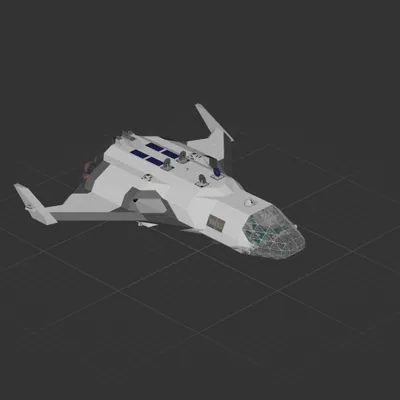
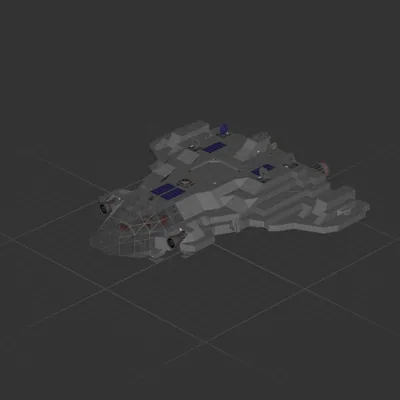
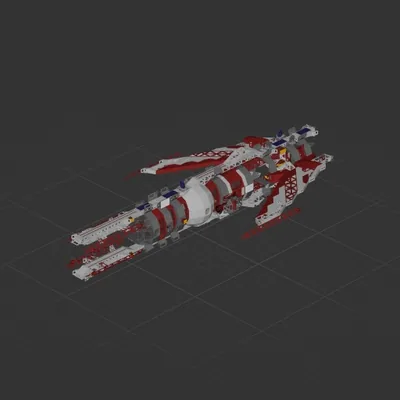
" Halo Interceptor "

Workshop author: Soulllevskiy 最 · Steam ↗
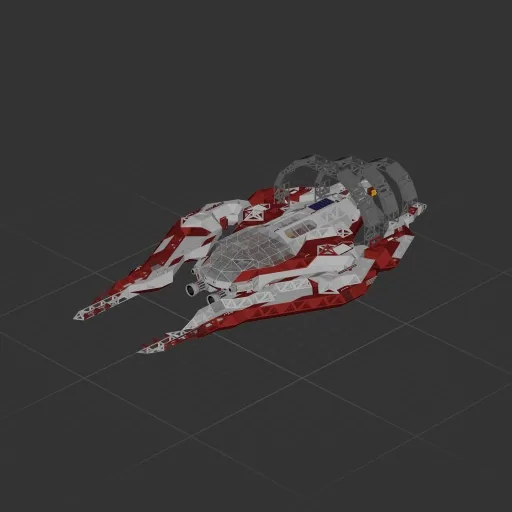
Cruiser Complete ship Huge

" Halo Interceptor "

Specifications

4,114 Parts
90 Part types
24 Engines
2,936 Cable cells
918 Frames
260 Equipment parts

Engine mix

  • Lift fans8
  • Electric thrusters4
  • Maneuvering12

Equipment

  • Cockpit seat 2
  • Solar panels 3
  • Batteries 16
  • Logic circuits 21
  • Wireless links 28
  • Screens & cameras 3
  • Radar 1

Most used parts

  • Data Cable 1,520
  • Power Cable 1,416
  • Frame Half Curved 2 149
  • Frame Half Curved 7 134
  • Frame Full 115
  • Frame Half Curved 5 86
  • Frame Full Curved 1 81
  • Frame Half 63

Author's description

Hello everyone! This is my project, which I transferred from the demo version. Every like you give to my projects inspires me to create even more, so please support me! <3 --------------------------------------------- The ship is equipped with automatic systems such as automatic soft landing and takeoff (select target altitude), as well as automatic stabilization. You can adjust the sensitivity from 1 to 100 (it is recommended to keep it between 3 and 7). --------------------------------------------- !!!! The ship automatically scans the gravity of the planet you are on !!!! When spawning the ship, do not place it directly on the ground. Keep it 3–4 blocks above the ground. Stand on the ground and start the game – the ship will automatically rise higher and begin scanning gravity. It will automatically landing after a short time, signaling that it is ready for working. --------------------------------------------- Many thanks to "SANTXC Youtube" for developing the automated logic components and helping to configure the automatic systems!

How to install this ship

  1. Download the ZIP. Every download contains two files with matching names — a .bp and a .bpmeta. You need both: the .bp is the ship, the .bpmeta holds its name. A .bp on its own will not appear in the game.
  2. Unzip into the Blueprints folder. Paste %USERPROFILE%\AppData\LocalLow\ApproximatelyGames\ApproximatelyUp\Blueprints into Explorer's address bar and drop both files there. Keep their filenames exactly as they are — the game pairs them by name.
  3. Restart and open the blueprint menu. The game reads the folder on startup, so restart it. Open the blueprint menu, find the ship by its name and load it. Test it next to a garage before flying a mission.

Similar ships

" Last Hope "
" Last Hope " 173 ↓

" Last Hope "

Soulllevskiy 最

4,846 parts Huge

Cruiser

IR Arrow 1
IR Arrow 1 116 ↓

IR Arrow 1

Killer_Potato

4,782 parts Huge

Cruiser

AmiV1
AmiV1

AmiV1

Ramble

5,086 parts Huge

Cruiser