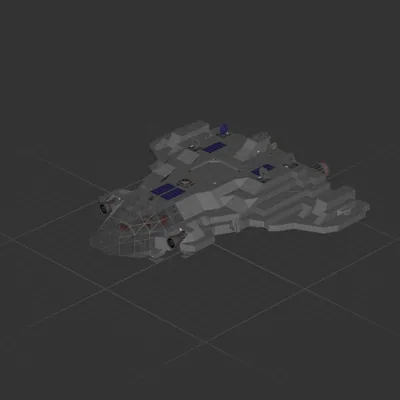
A spaceplane with ample empty room inside for mission customization.
Has automatic hover to help you cruise and land. Turned off by default and is enabled by a switch at the pilot seat. The control gains are tuned for Earth, Moon, and Unda Prime. You may need to re-tune it for other planets.
Fitted with automatic wind shield. Can be switched off to save power.
There's also a gimballed telescope controlled on the second seat, not many practical uses but it's something for your friend to do while you pilot the ship.
Buildable in survival after completing Earth, Moon, and Unda Prime.
How to install this ship
Download the ZIP.Every download contains two files with matching names — a .bp and a .bpmeta. You need both: the .bp is the ship, the .bpmeta holds its name. A .bp on its own will not appear in the game.
Unzip into the Blueprints folder.Paste %USERPROFILE%\AppData\LocalLow\ApproximatelyGames\ApproximatelyUp\Blueprints into Explorer's address bar and drop both files there. Keep their filenames exactly as they are — the game pairs them by name.
Restart and open the blueprint menu.The game reads the folder on startup, so restart it. Open the blueprint menu, find the ship by its name and load it. Test it next to a garage before flying a mission.
 424 ↓
424 ↓ 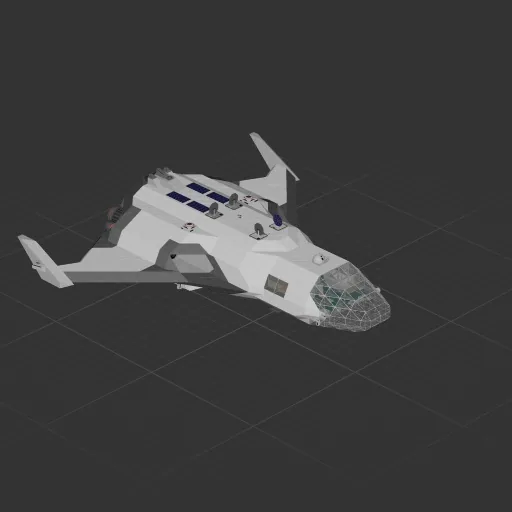
 173 ↓
173 ↓ 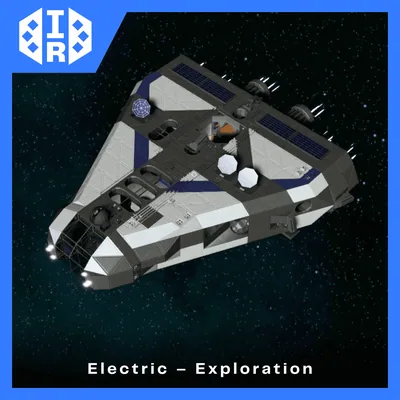 116 ↓
116 ↓