 424 ↓
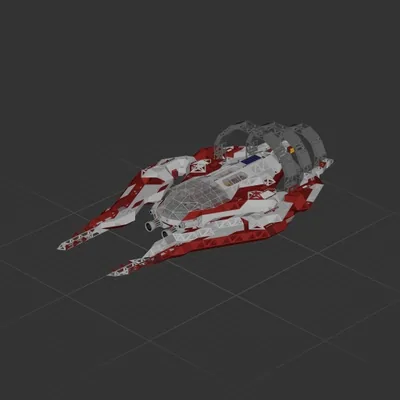
424 ↓ " Halo Interceptor "
Cruiser
Workshop author: Soulllevskiy 最 · Steam ↗
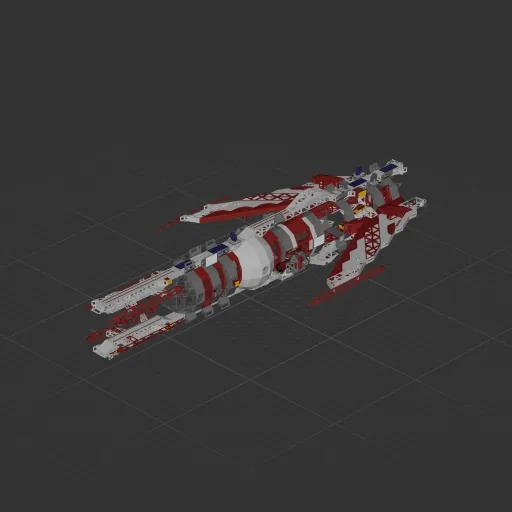
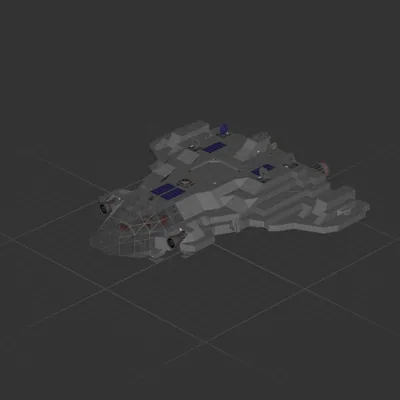
Hello everyone! I transferred this project from the demo version and added new tools to it. With its help, you can easily complete the first three planets. Every like you give to my projects inspires me to create even more, so please support me! <3 --------------------------------------------- The ship is equipped with automatic systems such as soft landing and takeoff (with the ability to select a target altitude) — the system is similar to the one on the Halo Interceptor, meaning the ship can't land fully and hovers at a maximum of 5 meters. It also features automatic stabilization. Sensitivity can be adjusted from 1 to 100 (it is recommended to keep it between 3 and 7). --------------------------------------------- !!!! The ship automatically scans the gravity of the planet you are on !!!! When spawning the ship, do not place it directly on the ground. Leave a gap of 5–6 blocks above the surface. Stand on the ground and start the game — the ship will automatically rise higher and begin scanning gravity. After a short time, it will automatically land, signaling that it is ready for operation. --------------------------------------------- Many thanks to "SANTXC Youtube" for developing the automated logic components and helping to configure the automatic systems!
424 ↓ Cruiser
 116 ↓
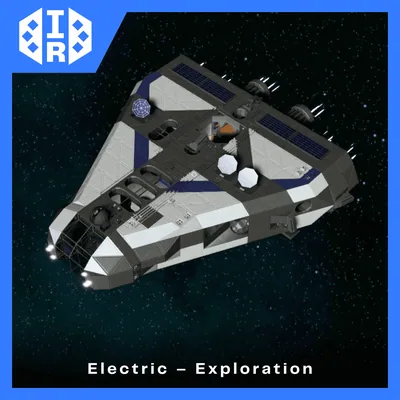
116 ↓ Cruiser
Cruiser
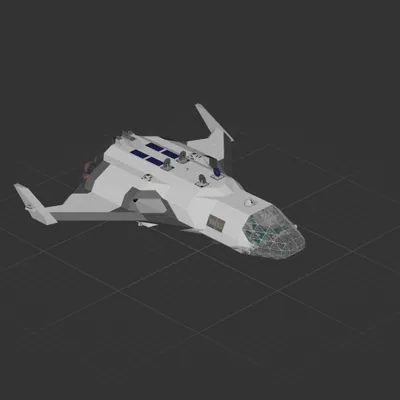
Cruiser