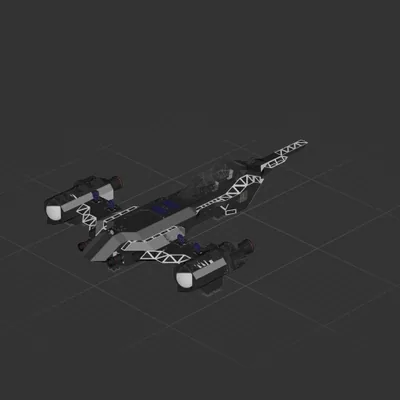
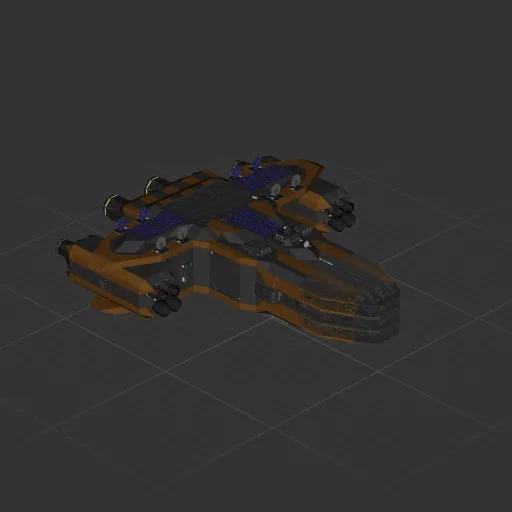
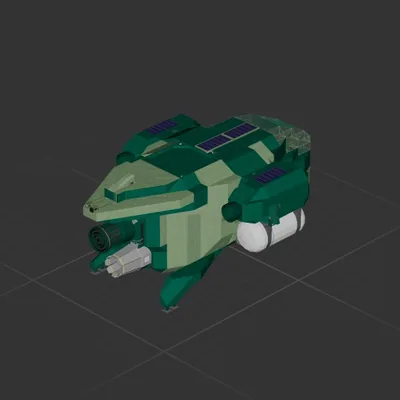
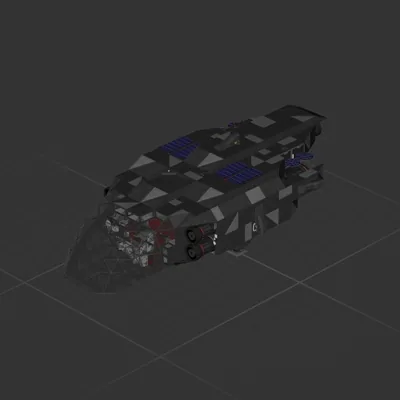
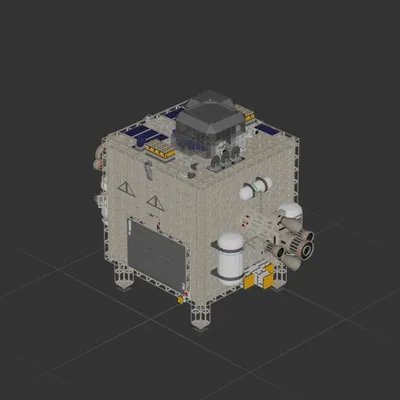
Endgame spacehip
Contains some QoL, some (a lot) of wiring jank and a whiteboard with my handwriting.
Controls:
Turn TV dial to switch between cameras.
2 Override switches for Hover and Forward speed stabilization.
Set desired speeds in nearby constant blocks.
How to install this ship
Download the ZIP.Every download contains two files with matching names — a .bp and a .bpmeta. You need both: the .bp is the ship, the .bpmeta holds its name. A .bp on its own will not appear in the game.
Unzip into the Blueprints folder.Paste %USERPROFILE%\AppData\LocalLow\ApproximatelyGames\ApproximatelyUp\Blueprints into Explorer's address bar and drop both files there. Keep their filenames exactly as they are — the game pairs them by name.
Restart and open the blueprint menu.The game reads the folder on startup, so restart it. Open the blueprint menu, find the ship by its name and load it. Test it next to a garage before flying a mission.