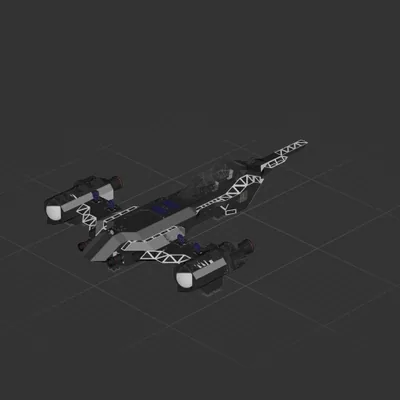
Interplanetary N-1
Interplanetary
Workshop author: SenseiTrash · Steam ↗
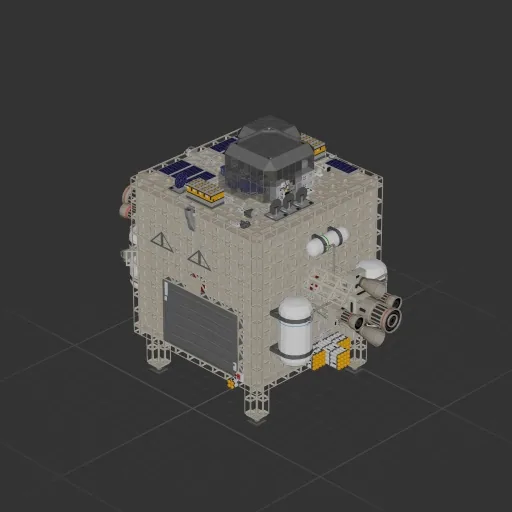
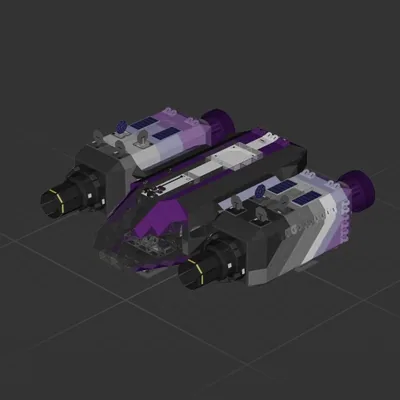
Perpose build ship for transporting the demonco- hazard barrel This uses a odometer alongside the scanner and long-range distance meter to get you to outcast base with minimal input How!: (this is how I did it at least u can feel it out if u want) 1. Put the barrel in the middle of the box and close the doors 2. Press and hold the up button to get off the floor 3. Turn on gyroline and turn off manual mode to activate the nose style auto hover. This will send you to 250k alt 4. Turn off gyroline, aim around the planet, and put the target to -1m (yes thats negitive) (try and get around the planet to see outcast and the star) 5. Once around the planet, aim at outcast and position the red star directly above it(or as close as you can) 6. Once in position start pitching down until the scanner (at 0) reads inf 7. Put target to -300m (again this is negitive) and wait. Make sure the barrel stays in the center while the alram is going off (+90k m/s)[barrel movement will be patched out at some point] 8. Once at -300m switch to scanner, aim at outcast, and put target to +1m (this is a postive number lmao) 9. Once at 1m, SWITCH OFF FUEL, switch to Long-Range Distance Meter and find base with radar 10. Once above base turn off manual and turn on gyro to hover and try to get stable, aim at the landing pad, and put target to like 15 then the nightmare is over Tags: hazerd berral Planeteer
Interplanetary
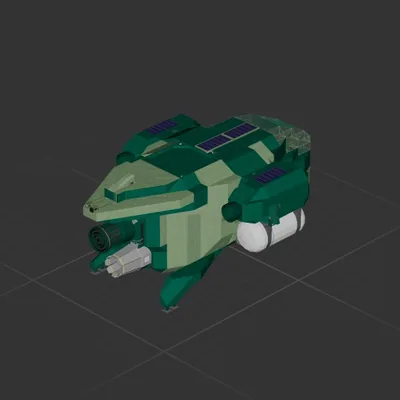
Interplanetary
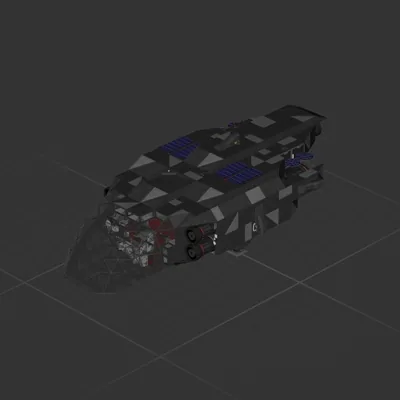
Interplanetary
Interplanetary