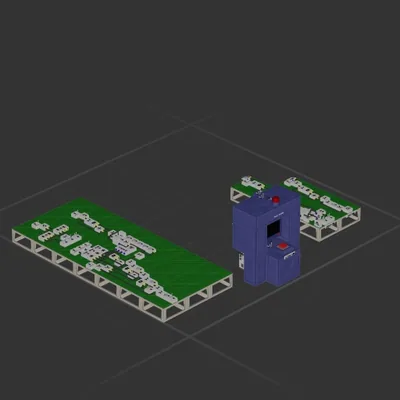
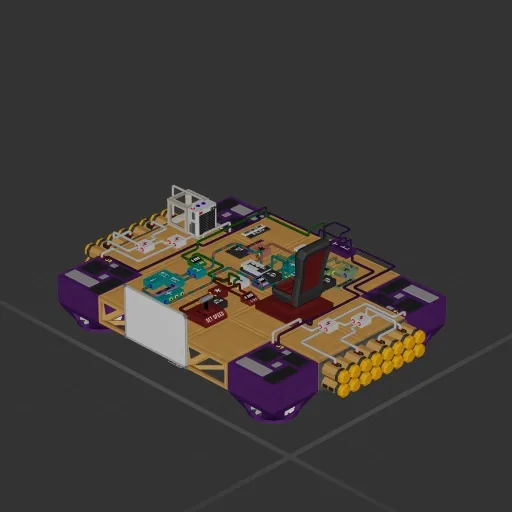
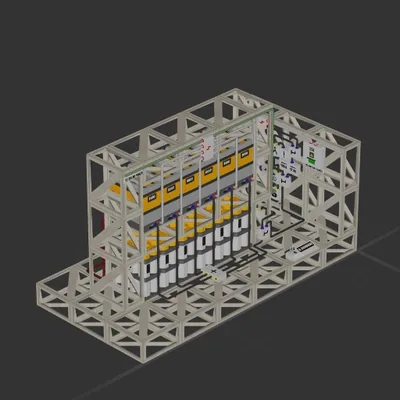
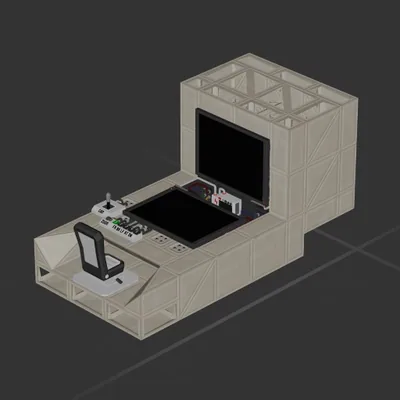
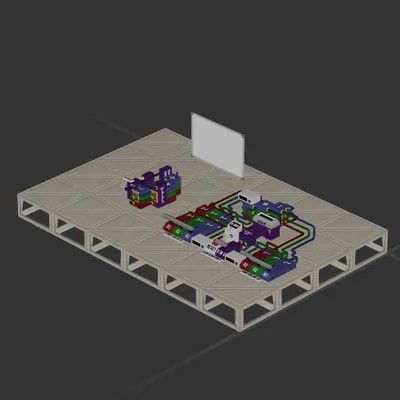
Made during demo so thats why its a mess,
achieves auto hovering by using a simple PID (proportional integration derivative) controler.
each part of the controler P,I,D, has own colour and then the constants/gain are in black, these you tweak if you use them on your ship, the constant next to "SET SPEED" changes the sensitivity of the throttle.
have fun learn how to PID and then use this on your ship.
its NOT the best or space efficient but its a good learning thingimibob :3 :thumbs_up_emoji: or something
How to install this ship
Download the ZIP.Every download contains two files with matching names — a .bp and a .bpmeta. You need both: the .bp is the ship, the .bpmeta holds its name. A .bp on its own will not appear in the game.
Unzip into the Blueprints folder.Paste %USERPROFILE%\AppData\LocalLow\ApproximatelyGames\ApproximatelyUp\Blueprints into Explorer's address bar and drop both files there. Keep their filenames exactly as they are — the game pairs them by name.
Restart and open the blueprint menu.The game reads the folder on startup, so restart it. Open the blueprint menu, find the ship by its name and load it. Test it next to a garage before flying a mission.