This build has no engines — it's a hull, a system or a section.
Equipment
Batteries 12
Logic circuits 13
Wireless links 2
Most used parts
Power Cable335
Data Cable323
Frame Full36
Medium Disposable Battery6
Medium Rechargeable Battery6
Data Router 25
Simple Threshold3
Logic Gate NOT3
Author's description
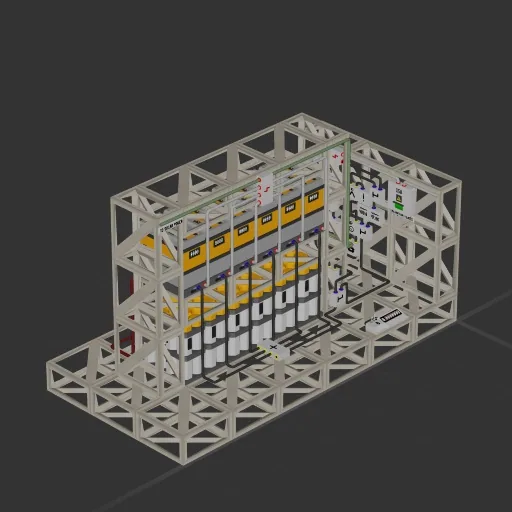
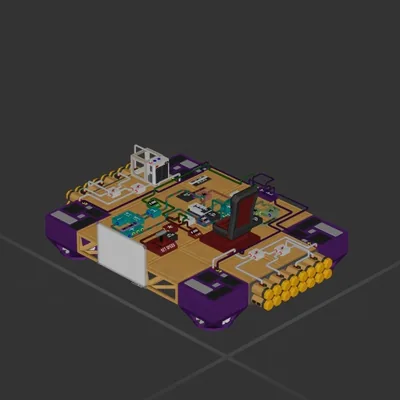
Rechargeable-First Battery Priority with Disposable Backup
Uses rechargeables first, switches to disposables when low, then back when recharged. Hysteresis prevents flickering. If disposables hit 0, it auto-overrides to rechargeables.
Features
- Rechargeable-first power priority
- Low/high hysteresis switching
- Disposable-empty failover
- Adjustable thresholds
- Displays total remaining battery power
Fusebox isn't entirely necessary, safe to remove if you haven't unlocked it yet
How to install this ship
Download the ZIP.Every download contains two files with matching names — a .bp and a .bpmeta. You need both: the .bp is the ship, the .bpmeta holds its name. A .bp on its own will not appear in the game.
Unzip into the Blueprints folder.Paste %USERPROFILE%\AppData\LocalLow\ApproximatelyGames\ApproximatelyUp\Blueprints into Explorer's address bar and drop both files there. Keep their filenames exactly as they are — the game pairs them by name.
Restart and open the blueprint menu.The game reads the folder on startup, so restart it. Open the blueprint menu, find the ship by its name and load it. Test it next to a garage before flying a mission.
 229 ↓
229 ↓