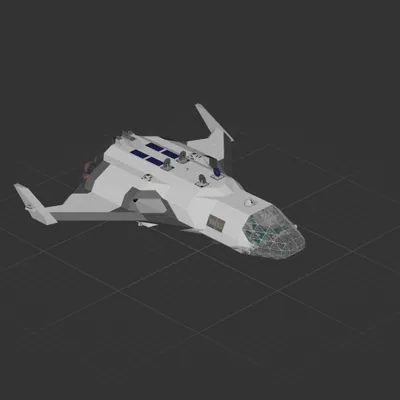
The Milano!
Intended for players who have completed all Earth, Moon, and Aundara missions.
Contains a wind shield for those headed to Baobara next!
Auto stabiliziation systems and Autopilot designed by ChillyTheEevee and Seajayfour. Frame and paint by yours truly.
You can tweak/find the autopilot under the right wing. The remapper is set to .25 by default, which limits your thrust so that you don't run out of power on long distances. If you want to go faster, or have access to full thrust, turn that number up.
How to install this ship
Download the ZIP.Every download contains two files with matching names — a .bp and a .bpmeta. You need both: the .bp is the ship, the .bpmeta holds its name. A .bp on its own will not appear in the game.
Unzip into the Blueprints folder.Paste %USERPROFILE%\AppData\LocalLow\ApproximatelyGames\ApproximatelyUp\Blueprints into Explorer's address bar and drop both files there. Keep their filenames exactly as they are — the game pairs them by name.
Restart and open the blueprint menu.The game reads the folder on startup, so restart it. Open the blueprint menu, find the ship by its name and load it. Test it next to a garage before flying a mission.
 424 ↓
424 ↓ 
 173 ↓
173 ↓ 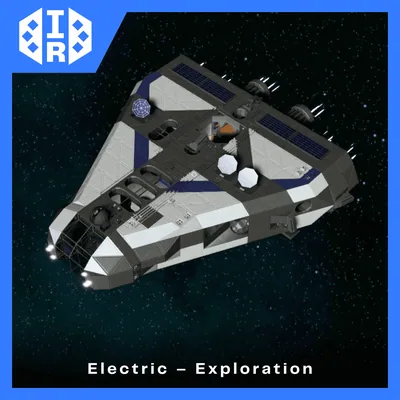 116 ↓
116 ↓