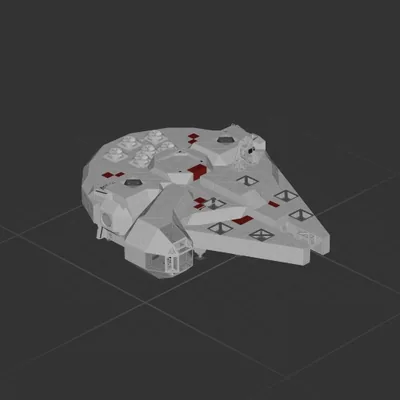
Millenium Falcon
Shuttle
Workshop author: Killer_Potato · Steam ↗
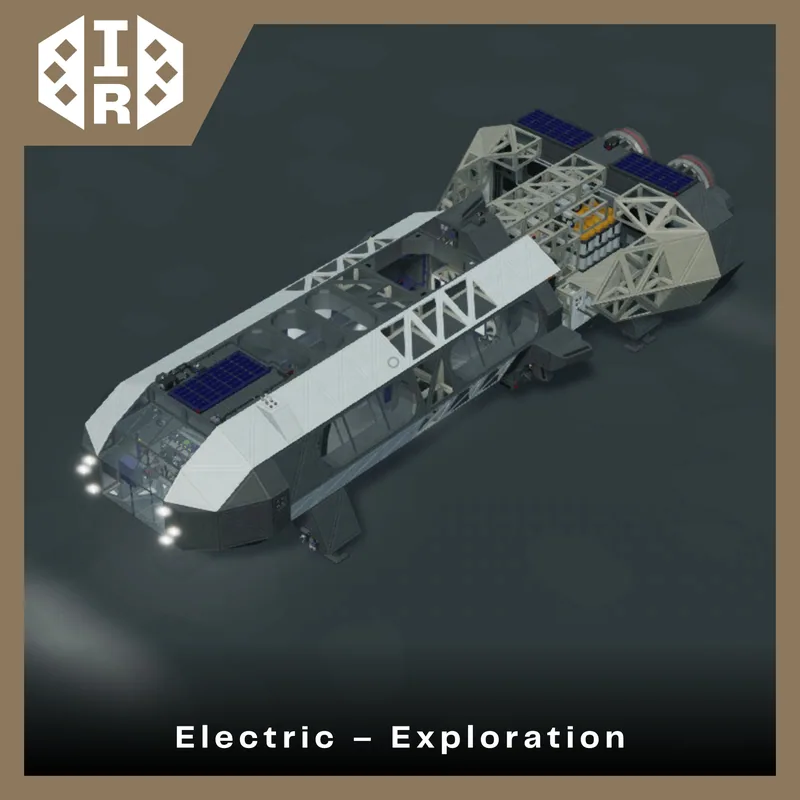
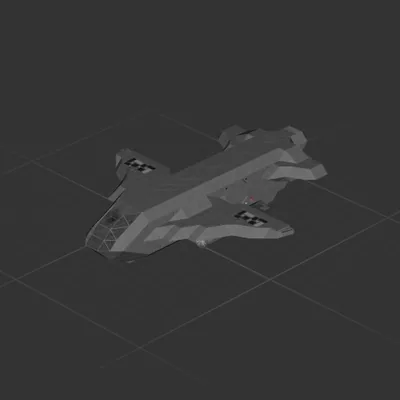
While still riding the high that they had gotten from the last two EX Class ships, Iron Ridge decided they were going to shatter their competition with the most capable ship on the market. Both the EX-1 and the EX-2 had been astronomical successes (no pun intended), so how could an upgraded one be worse? IR couldn't have been further from the truth. They had spent so much time thinking about and adding as many features as they could think of until the ship started to suffer severe feature creep. The EX-3 boasted an exceptionally high 3.92 million Newtons of thrust, 75% more battery life, and more room in the cabin due to the body extension, and it was going great until the first tests began. Before Iron Ridge had even sealed up the frame, the ship was an absolute trai- ship... wreck. The thing turned like a freighter; it was way heavier than projected, and the worst of all of it, the lack of a proper battery management system made the EX-3 completely decimate itself at full throttle. Autonomous tests were set forth anyway, but every single unit launched either fell out of the sky due to electrical issues or was sent flying into a mountain it couldn't avoid. The EX-3 catastrophe led to the discontinuation of the EX series, though Iron Ridge still manufactures old EX-1's and 2's. IR allows them to be purchased by the public for display or examination, but they void any accountability for crashes, death, or personal injury if flown.
Shuttle
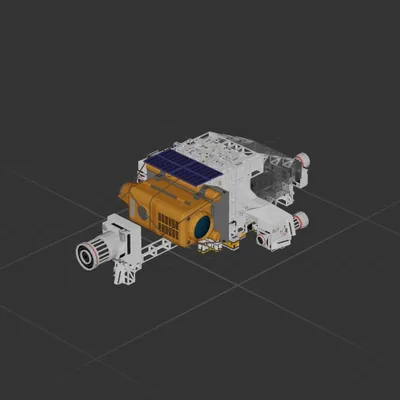
Shuttle
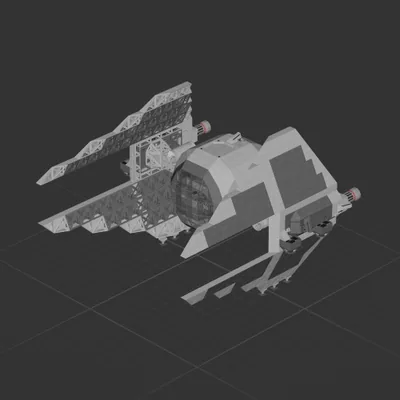
Shuttle
Shuttle