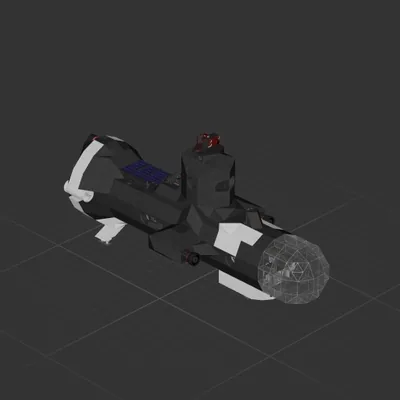
There is enough space for all three pieces, but you may have to wiggle them in.
Hover over the cracked rock, then decouple the c4 package (buttons on the right wall of cockpit) then when you are a safe distance hit the other button to detonate c4. The lander cam is lined up with the c4 package to aim.
How to install this ship
Download the ZIP.Every download contains two files with matching names — a .bp and a .bpmeta. You need both: the .bp is the ship, the .bpmeta holds its name. A .bp on its own will not appear in the game.
Unzip into the Blueprints folder.Paste %USERPROFILE%\AppData\LocalLow\ApproximatelyGames\ApproximatelyUp\Blueprints into Explorer's address bar and drop both files there. Keep their filenames exactly as they are — the game pairs them by name.
Restart and open the blueprint menu.The game reads the folder on startup, so restart it. Open the blueprint menu, find the ship by its name and load it. Test it next to a garage before flying a mission.
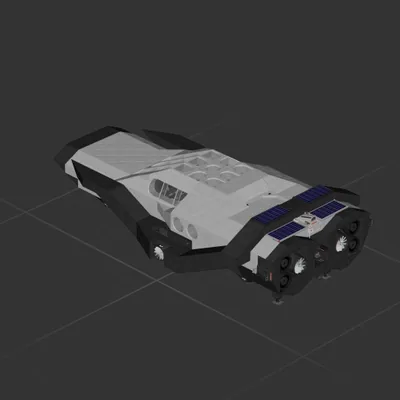 597 ↓
597 ↓ 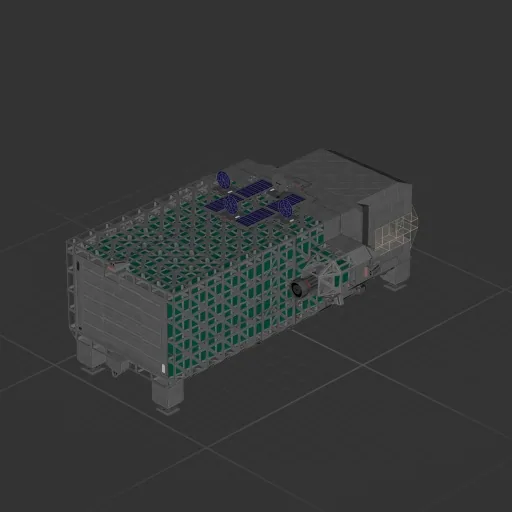
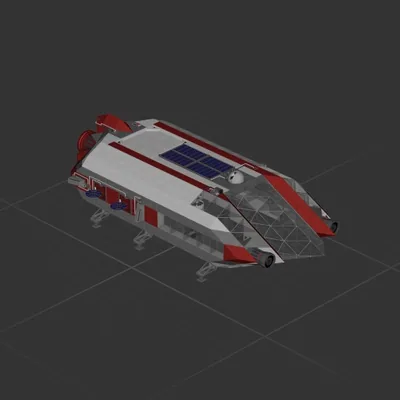 161 ↓
161 ↓ 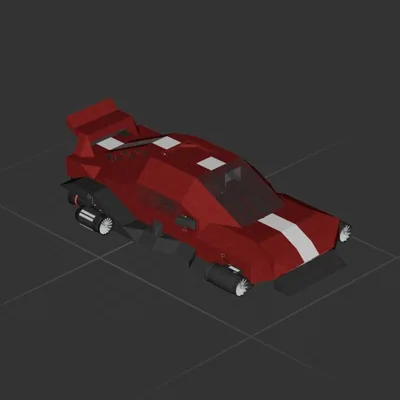 136 ↓
136 ↓