 387 ↓
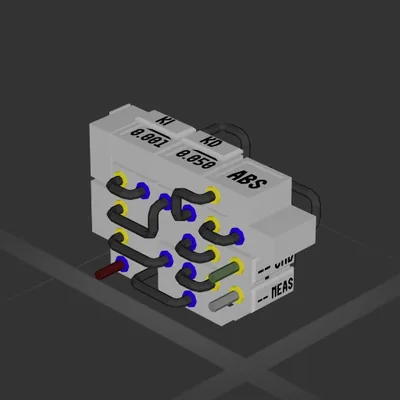
387 ↓ Compact PID with AntiWindup (Auto-Hover)
System
Workshop author: 76561198781965467 · Steam ↗
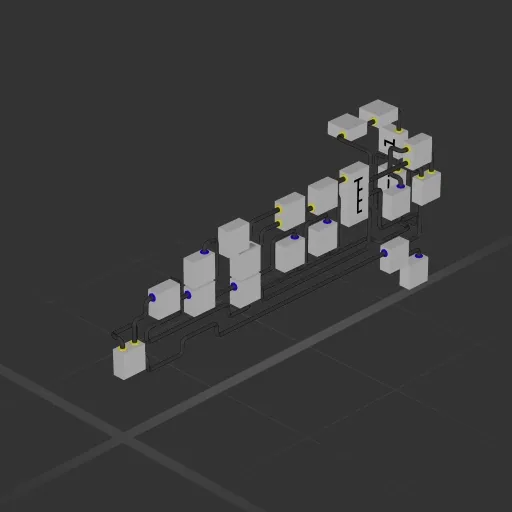
This build has no engines — it's a hull, a system or a section.
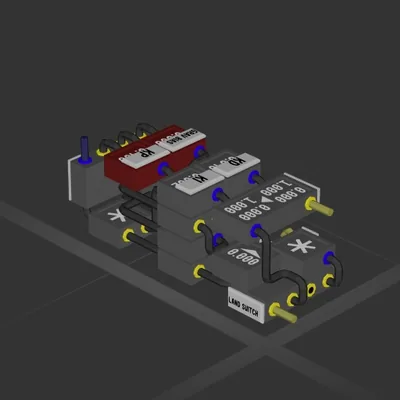
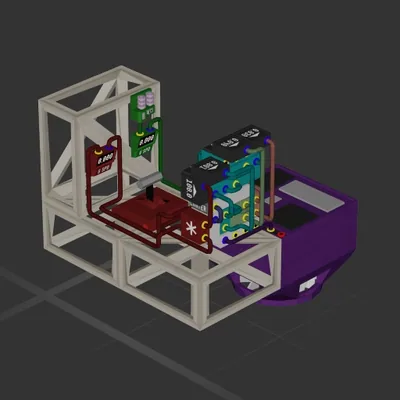
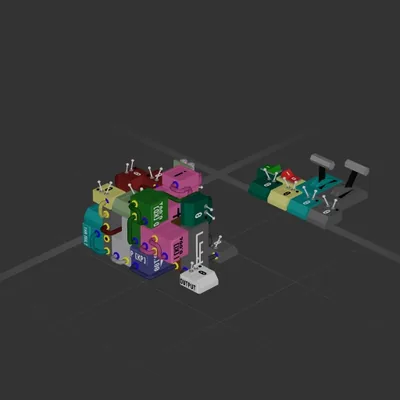
Stability (output on left "+" logic gate) now, there is one less way to crash. Tested on the tutorial ship's back. Works in interplanetary flying. In space, well, there is no up and down. Made it from scratch, all designed by myself after a lot of tests, except, I built it on tutorial ship for testing. You will probably want to change the roll, so you may need to add more for where the output goes. You could try to edit the numbers if you want. The parts on the right was planned to make the stabilization result look like a parabola, where if you graph y=x^2, the y value is the angle, and the x value is like the time it takes. A parabola is how you graph acceleration, so I basically decellerated it. Subtraction makes the output how much rotation speed is needed to be added to make the rotation stay on track of this parabola, since the planned speed would depend on the current angle in a linear relationship. The problem was that when the vheichle was already in a stable and safe roll position, that right part alone made it wobble for no reason, so the left part made it not wobble, using a very small system of math subtracting change of the angle from the current angle that only wobbles when the angle is too much. The top-left part of the whole system and it's wiring figures out which system to use depending on what the angle the vheicle is banking on is. This is how I explain this, and I feel like it is too long, and the math is probably too simple for this ammount of words.
387 ↓ System
System
System
System