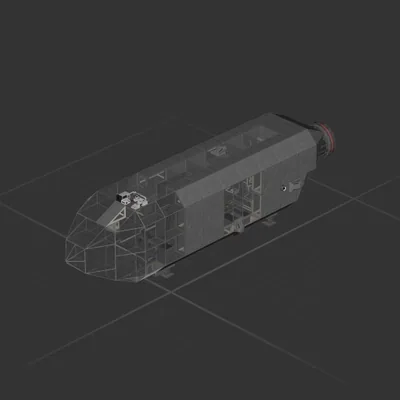
★Light Speed Industries★ presents:
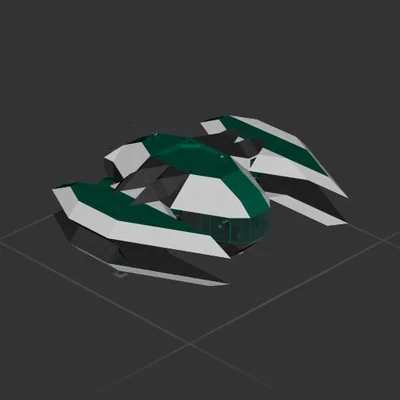
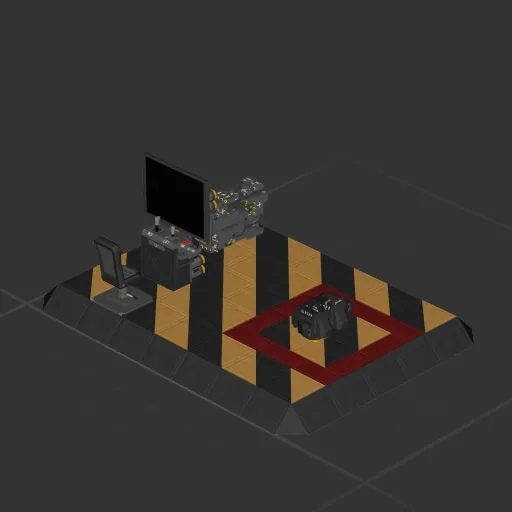
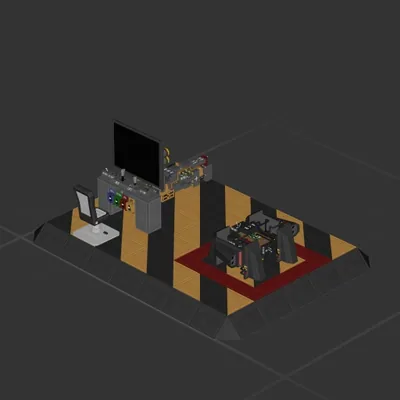
<b>P.E.P.R Drone</b>
Civilian version of popular FPV drone line from LSI.
This drone is optimized for smallest possible size.
It uses RCS which allows for smaller size but less maneuverability.
RCS fuel lasts about 15min of flight time.
<color=green>Features:
• Front facing camera.
• 3 Axis RCS thrusters.
• Stabilization system.
• Velocity based hover.
• Power switch.
• Lift trim knob.
• <size=9>Tiny</size> size.
</color><color=red>Not included:
• Forward / backward thrust.
• Skill to fly it.
• Crash insurance.</color>
Updated to version 1.1
LSI does not condone of use of P.E.P.R Drone for espionage.
How to install this ship
Download the ZIP.Every download contains two files with matching names — a .bp and a .bpmeta. You need both: the .bp is the ship, the .bpmeta holds its name. A .bp on its own will not appear in the game.
Unzip into the Blueprints folder.Paste %USERPROFILE%\AppData\LocalLow\ApproximatelyGames\ApproximatelyUp\Blueprints into Explorer's address bar and drop both files there. Keep their filenames exactly as they are — the game pairs them by name.
Restart and open the blueprint menu.The game reads the folder on startup, so restart it. Open the blueprint menu, find the ship by its name and load it. Test it next to a garage before flying a mission.