This build has no engines — it's a hull, a system or a section.
Equipment
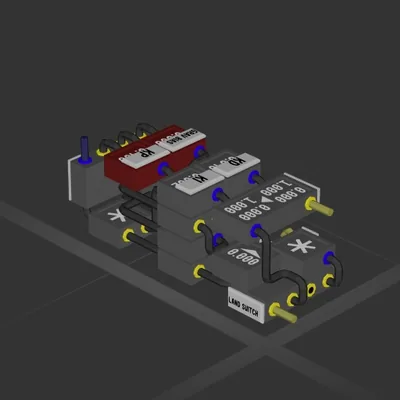
Logic circuits 7
Wireless links 1
Most used parts
Data Cable61
Plasma Cable32
Frame Full15
Large Label15
Power Cable5
Constant4
Subtractor2
Data Router 22
Author's description
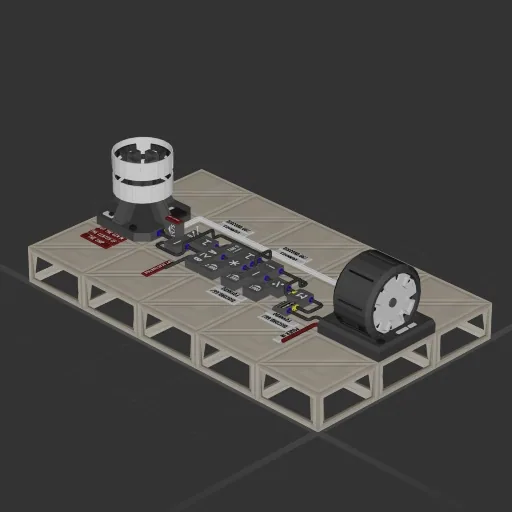
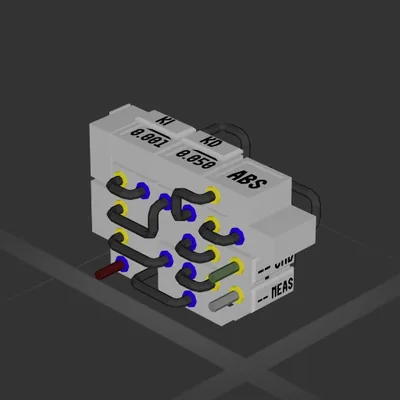
This Intelligent Shield Array automatically calculates the needed amount of power for the plasma generator to produce so that your ship is protected from wind.
Important:
Sensor 11 has to get its data from a wind sensor outside the shields range. It can be replaced by a data cable.
If you have questions or feedback feel free to join my discord and send me a message.
https://discord.gg/FQyxkdq
Limitations that all go hand in hand:
Too heavy wind
Too big of a ship (mines pretty huge and it can handle)
Not enough capacity in the power grid
PS: I am pretty sure that I can also build an auto throttle with the same logic. Make sure to check back to see that.
How to install this ship
Download the ZIP.Every download contains two files with matching names — a .bp and a .bpmeta. You need both: the .bp is the ship, the .bpmeta holds its name. A .bp on its own will not appear in the game.
Unzip into the Blueprints folder.Paste %USERPROFILE%\AppData\LocalLow\ApproximatelyGames\ApproximatelyUp\Blueprints into Explorer's address bar and drop both files there. Keep their filenames exactly as they are — the game pairs them by name.
Restart and open the blueprint menu.The game reads the folder on startup, so restart it. Open the blueprint menu, find the ship by its name and load it. Test it next to a garage before flying a mission.
 387 ↓
387 ↓