Drop a Sub on my youtube channel for upcoming insane logic tutorials.
www.youtube.com/@santxc683
HOW TO
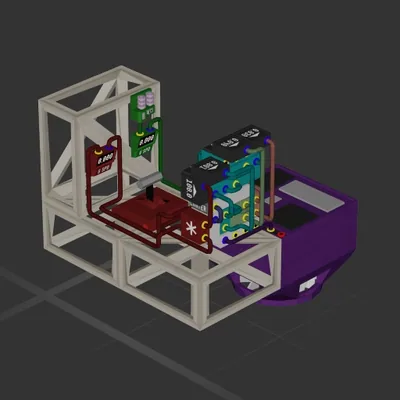
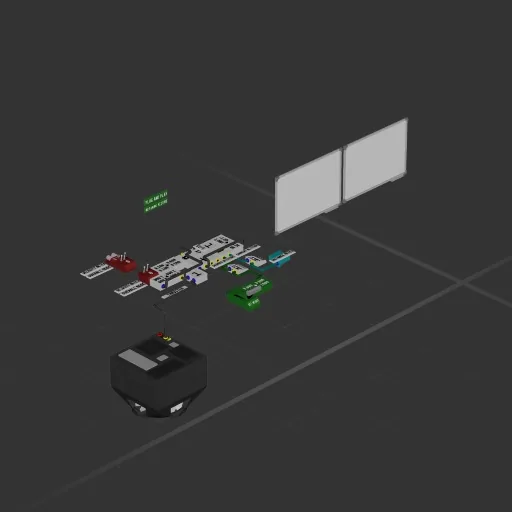
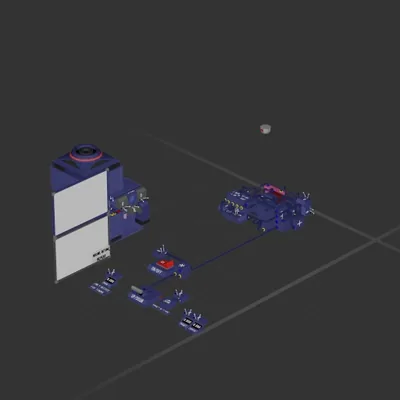
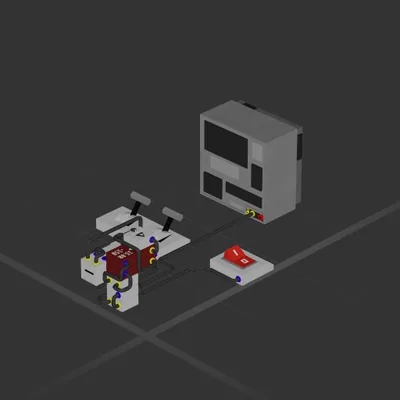
Desired altitude is the height you want to hover.
Current altitude is your altitude sensor or your distance meter pointing at the ground.
The thruster is the output .so connect it to your hover thrusters.
[Special note: When you enter fly mode make sure your desired altitude is above 100 .So that the ship takes off .Then it will hover beloe 100 and automatically Tune itself and go to your desired atlitude, From than on it doesnot have to learn]
How to install this ship
Download the ZIP.Every download contains two files with matching names — a .bp and a .bpmeta. You need both: the .bp is the ship, the .bpmeta holds its name. A .bp on its own will not appear in the game.
Unzip into the Blueprints folder.Paste %USERPROFILE%\AppData\LocalLow\ApproximatelyGames\ApproximatelyUp\Blueprints into Explorer's address bar and drop both files there. Keep their filenames exactly as they are — the game pairs them by name.
Restart and open the blueprint menu.The game reads the folder on startup, so restart it. Open the blueprint menu, find the ship by its name and load it. Test it next to a garage before flying a mission.