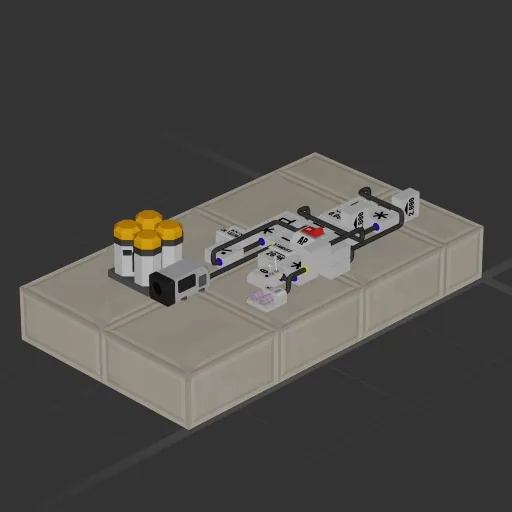
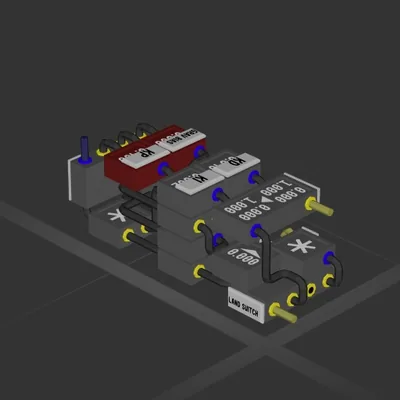
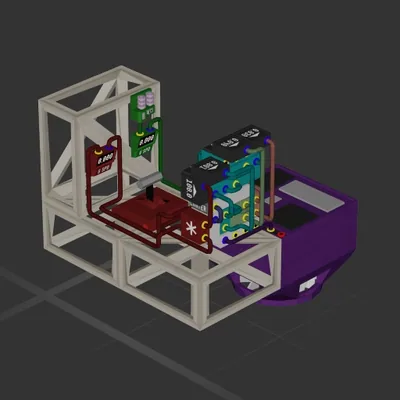
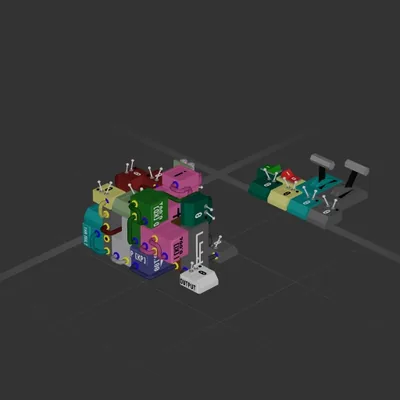
This build has no engines — it's a hull, a system or a section.
Equipment
Batteries 1
Logic circuits 12
Wireless links 1
Most used parts
Data Cable61
Frame Full6
Power Cable5
Constant4
Multiplier4
Data Router 23
Subtractor3
Frame Half2
Author's description
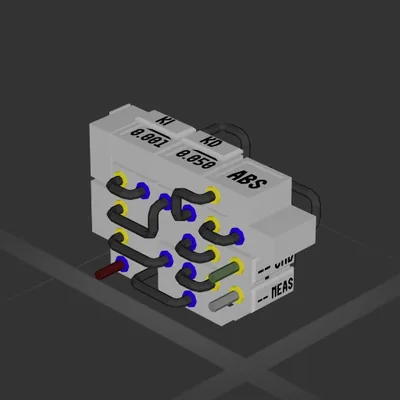
Set the standoff value to how far away you want the ship to stop.
Set the braking acceleration by putting your ship in full reverse in space, checking its deceleration, and multiplying that number by 2.
Make sure the Velocity Meter is set to Directional.
(If you add your own)
The output goes directly to your engines. Positive should be forward, negative should be reverse, and 0 should be off.
Once enabled, it accelerates, automatically switches to braking, and cuts the engines when the ship stops.
I'd suggest leaving the standoff to around 20k as thats far enough away from most starter planet's gravity.
How to install this ship
Download the ZIP.Every download contains two files with matching names — a .bp and a .bpmeta. You need both: the .bp is the ship, the .bpmeta holds its name. A .bp on its own will not appear in the game.
Unzip into the Blueprints folder.Paste %USERPROFILE%\AppData\LocalLow\ApproximatelyGames\ApproximatelyUp\Blueprints into Explorer's address bar and drop both files there. Keep their filenames exactly as they are — the game pairs them by name.
Restart and open the blueprint menu.The game reads the folder on startup, so restart it. Open the blueprint menu, find the ship by its name and load it. Test it next to a garage before flying a mission.
 387 ↓
387 ↓