 387 ↓
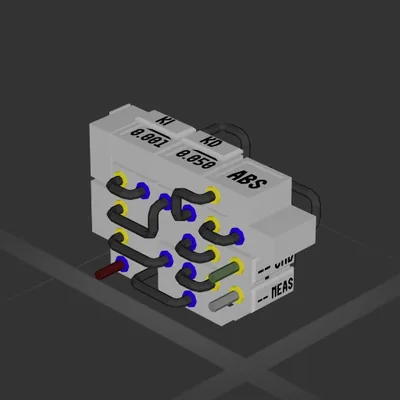
387 ↓ Compact PID with AntiWindup (Auto-Hover)
Система
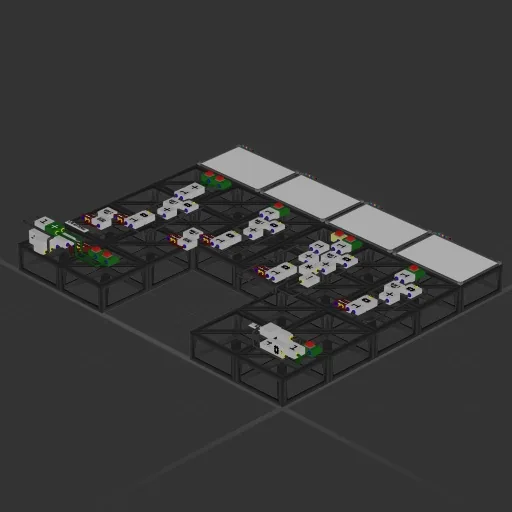
У этой сборки нет двигателей — это корпус, система или часть корабля.
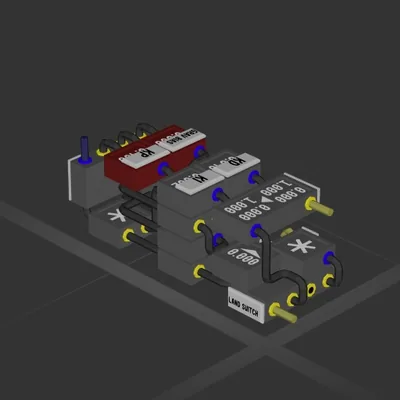
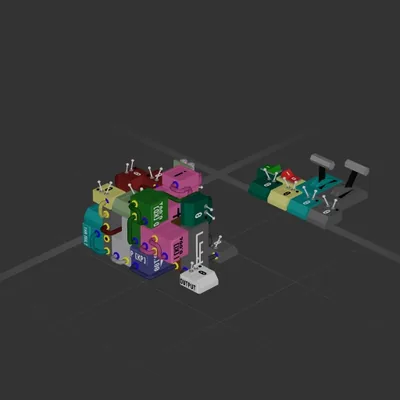
Push Button Circuit Variants Simple Push Button Circuit Variants: Laid out for learning purposes and/or modification, with consolidated variants for placing in builds. A good foundation that can be modified further for a variety of purposes. * Push Button incremental counter circuit (+ a consolidated version) * Push Button Incremental Counter with Reset * Push Button circuit with both Incremental count and Boolean 0/1 output (Flip/Flop) * Button circuit with Multiple Inputs with both Incremental count and Boolean 0/1 output (+ consolidated version) 4 simple circuit examples of utilizing a push button input to either incrementally count, or toggle a Boolean value with a push button rather than a toggle - (such as a push button trigger for a gate, or both an internal and external push button to control a gate, etc. Perfect for the person who simply has too many data cables and electronic parts left over, and is looking for something to do with them…
387 ↓ Система
Система
Система
Система