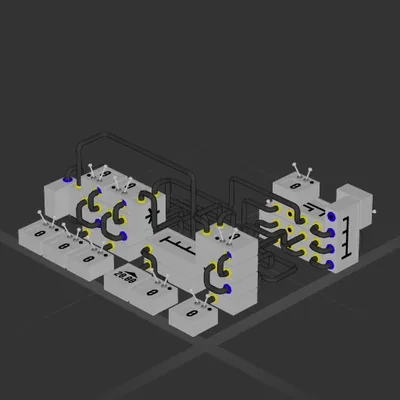
Auto Hover / Landing Assist
Логический блок
Автор в Мастерской: Uszer[1stCR] · Steam ↗
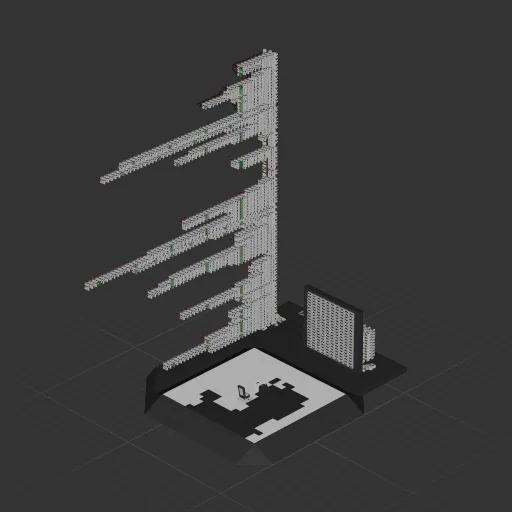
У этой сборки нет двигателей — это корпус, система или часть корабля.
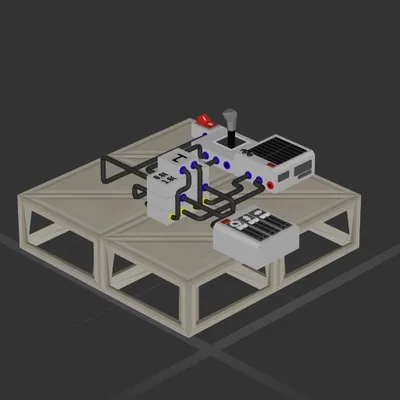
This is Bad Apple (or at least the first 30s) played on a 10x10 binary pixel screen entirely within ApproxUp. It plays every 10th frame from the original mp4, and for now only the first 100 of those resulting in about the first 33s of Bad Apple at 3 fps. It is expandable quite easily, both in quantity and quality, by just increasing the sampling resolution and stacking more SROM modules. I've set it up so that rendering a frame is consistent and takes about 3s, but this can be turned off to start rendering the next frame as soon as the current one finishes. With this limitation, playing the entire 100 frames takes roughly 5min 30s. I am 100% sure this can be optimized to run quicker, but i cant be bothered. Feel free to expand on this though. The Video can be auto-played or manually skipped through. However, this is untested, but i believe that the game can somtimes drop ticks, resulting in garbled data and wrong output. I have no idea how to fix this, i've literally had it working fine and then after a restart fail. If it does weird stuff (mainly pixels which should not be in the state they're in) try restarting the game or lowering your graphic settings. Speaking of graphics this is laggy as shit, i get ~45fps in garage and ~24 in flight mode, this mostly seems to be caused by all the logic the CPU has to do. This is creative only, obviously, and uses about 22k wires and 8k math blocks, mainly adders, delay and constants. check discord for video showcase and more info https://discord.com/channels/1437718337961463820/1538633861884551168
Логический блок
Логический блок
Логический блок
Логический блок