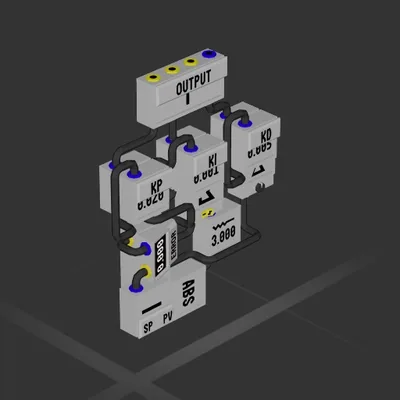
Simple PID Controller
Логический блок
Автор в Мастерской: The Hobbit · Steam ↗
У этой сборки нет двигателей — это корпус, система или часть корабля.
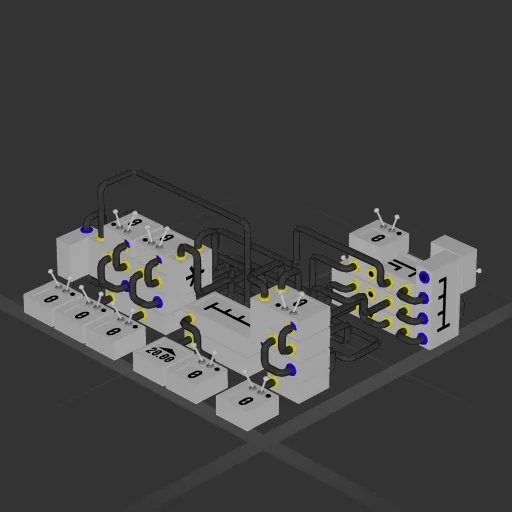
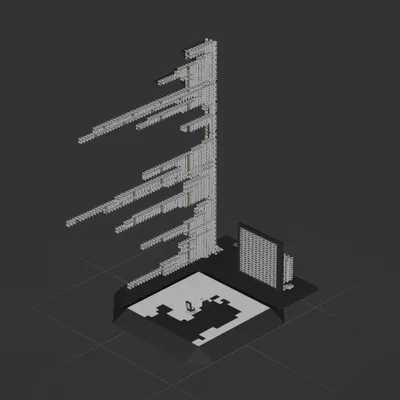
Flip on a switch to stop your craft and hover in the air. While the switch is on, use joysticks to get fine control over your movement and glide to a smooth landing. Channels: 0: Velocimeter (facing forward) 1: Velocimeter (facing right) 2: Dampener multiplier (.05 works for most ships) 3: Output thrust to forward/back thrusters 4: Output thrust to side thrusters 5: Input Up/Down joystick/throttle 6: Velocimeter (facing up) 7: Output thrust to down/up thrusters 8: Input Forward/Back joystick/throttle 9: Input Left/Right joystick 10: Hover constant (how much thrust is needed to keep your ship hovering in place. You will need to play with this value usually between .07 to .27 works depending on planet gravity and ship mass) 11: MASTER TOGGLE landing assist/auto hover (with this toggled off your controls will work normally. With it on, the flight computer takes over and allows you to influence it with your usual inputs) I have one constant value set at 20 in the computer. If you are unable to move the craft while the toggle is on, increase this to 30 or 40 This blueprint expects the following thruster config: Backwards thrusters reversed Strafe left thrusters reversed If you have thrusters to move your ship down to the ground, they should be reversed.
Логический блок
Логический блок
Логический блок
Логический блок